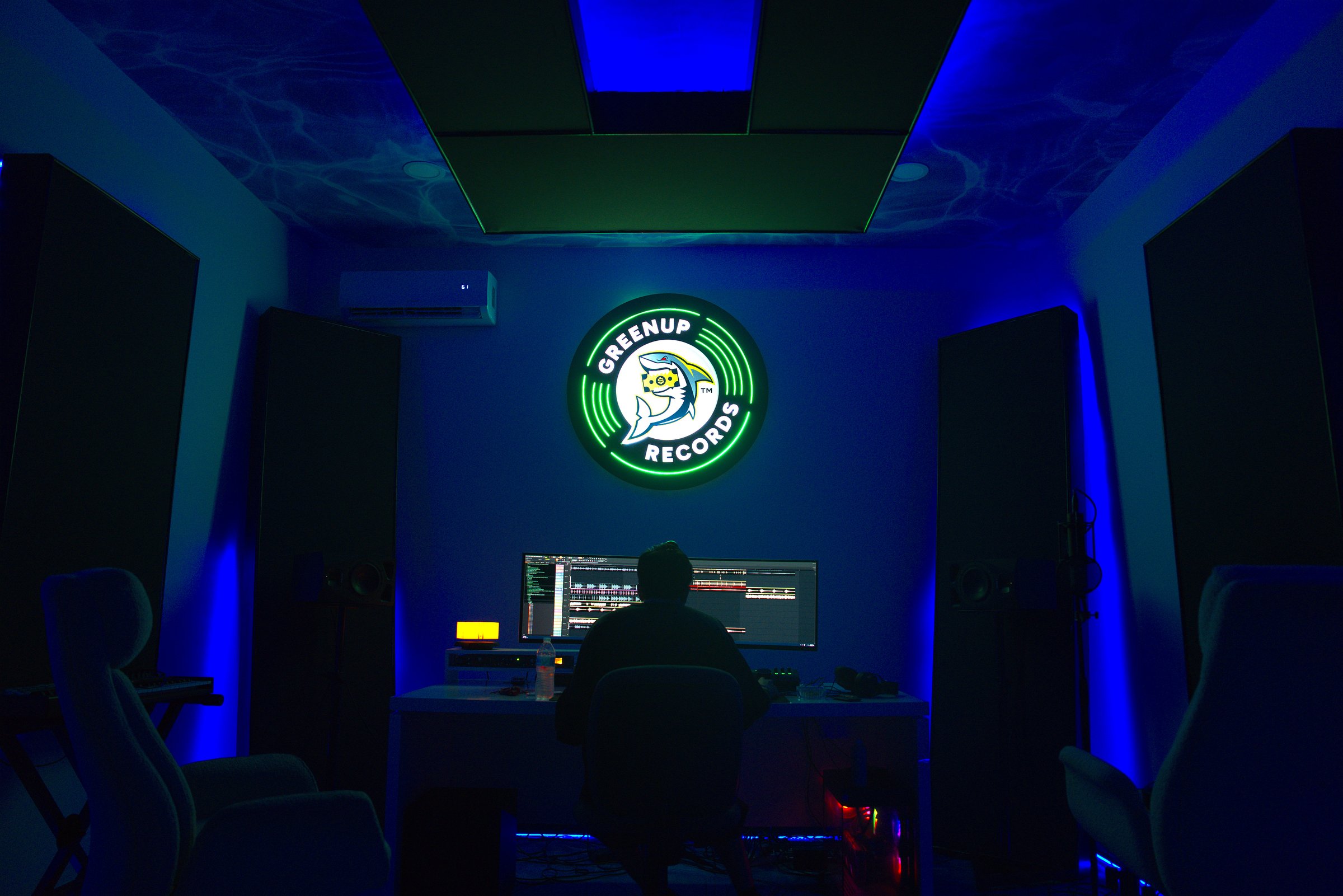
Miami Lakes, FL · Music Distribution & Studio

Your Sound. Everywhere. Heard.

Greenup Studios delivers your music to every major streaming platform on earth — and we capture the image and audio that takes you there. Independent. Premium. No middlemen.
Greenup Studios logo
150+Streaming Platforms
GlobalReach & Distribution
24/7Studio Access
Creative Ceiling

Straight talk.

Distribution is an 80/20 split on your master for a 5-year term. You keep 80% of all streaming revenue, we take 20%. After 5 years, the rights revert 100% back to you — no renegotiation, no hidden clauses.

Studio and photo services are quoted per project. Fair rates, transparent — no hidden fees.

01

Distribution

150+ platforms · 80/20 split · 5-year term · 100% reverts to you after

80 / 20
02

Recording Studio

Tracking, mixing, mastering · hourly, daily, and block rates

Contact
03

Photo Studio

Album covers, press shots, editorial · retouched deliverables

Contact

Real questions.
Real answers.

Simple: we take 20% of your streaming revenue for 5 years. You keep 80%. No upfront fees, no monthly charges, no hidden costs. After the 5-year term ends, 100% of the rights revert back to you.
Yes. You always own your masters — we never take ownership. Greenup handles distribution on your behalf under an 80/20 split for 5 years. You keep the majority, we keep the lights on, everybody eats. After 5 years, 100% of the rights revert to you automatically.
100% of your rights revert back to you automatically. No renegotiation, no auto-renewal, no fine print. You can either walk away with full ownership, or sign a new deal with us if it's working — completely your call.
Spotify, Apple Music, Tidal, Amazon Music, YouTube Music, Deezer, Pandora, TikTok, Instagram Reels, and 140+ other platforms worldwide. Your music goes everywhere it needs to.
Typical turnaround is 7–14 days from final submission to being live on all platforms. We recommend setting a release date at least 3 weeks out so you can run pre-save campaigns and build hype before drop day.
Absolutely. Studio bookings and distribution are separate services — use one, use both. Book the room, track your song, walk out with your files. No strings.
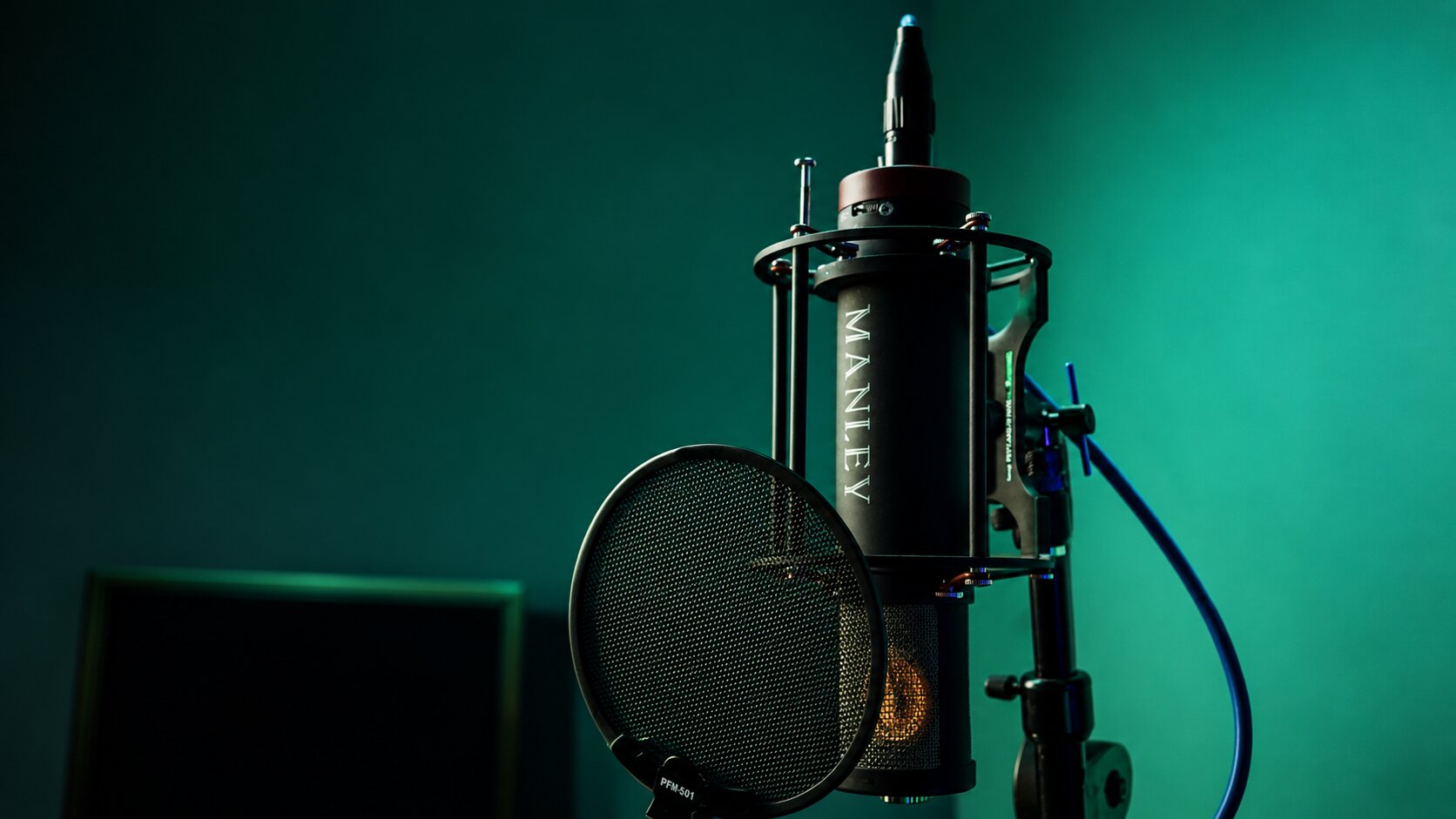
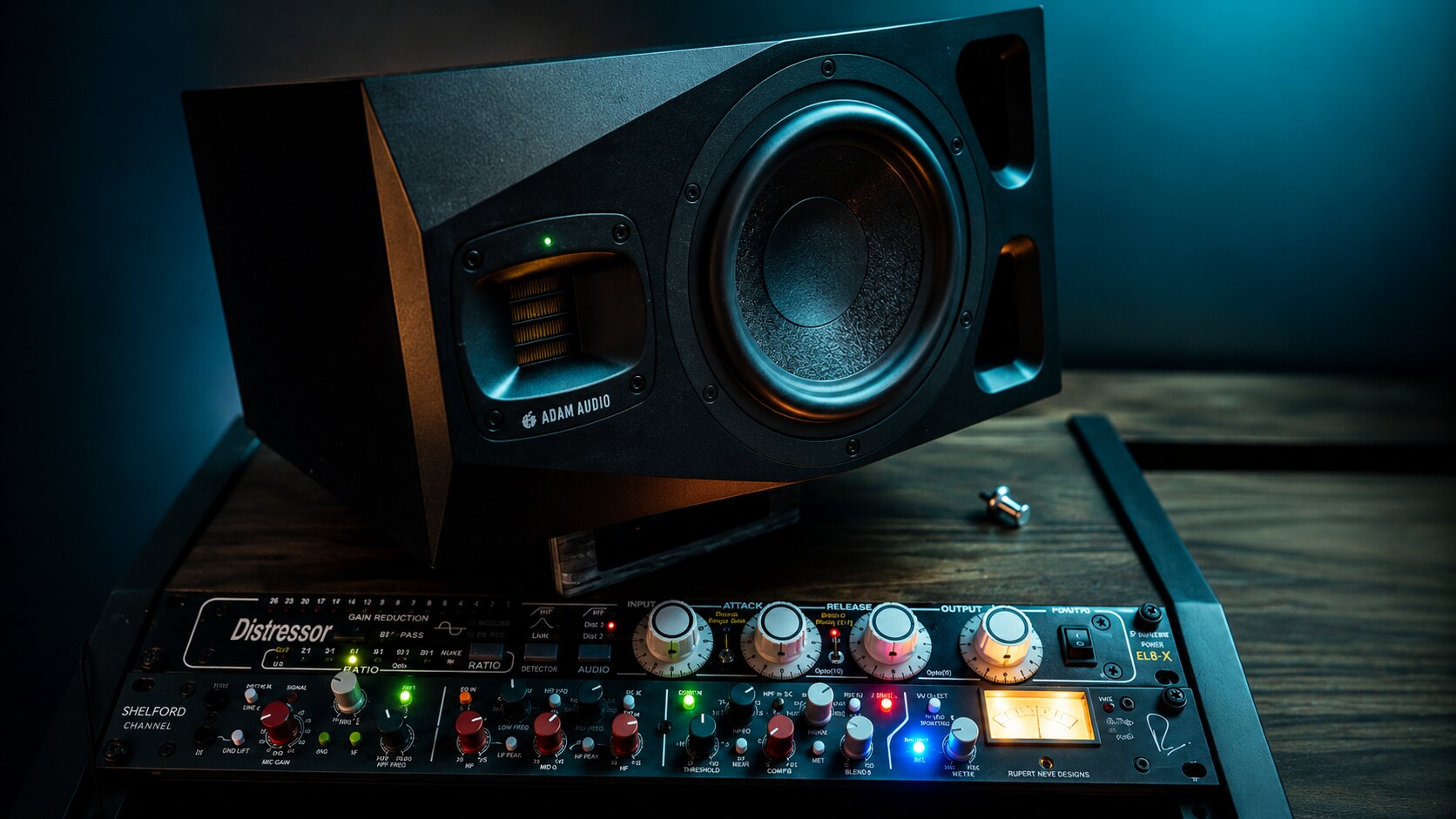
Manley tube condenser mic into a Rupert Neve Designs Shelford Channel (preamp + Inductor EQ + Diode Bridge Compressor). Fully treated room with client lounge seating. Full signal chain listed in the Studio section above.
Miami Lakes, Florida. Exact address provided after your booking is confirmed. Easy access from greater Miami-Dade and Broward.
We got you. If you don't have a Spotify, Apple Music, or SoundCloud artist profile yet, check the box on the submission form and we'll create and set up all three for you as part of your distribution. No extra cost.
Drop your name, phone, and a time window in the form below. We'll call you within 48 hours to go over your project. If it's a fit, we get you signed and send you an invite to the Greenup Distribution Portal — that's where you upload your WAVs, cover art, metadata, and manage all your releases. Already on the roster? Head straight to the Portal.

Tools for the grind.

Everything you need to manage, release, and grow — all in one place. Bookmark this page.

🚀

Releasing

Tools to prep, drop, and promote a song the right way.

🔗

Smart Link Generator

One link → a branded landing page with a static cover, audio preview, or looping music video.

+

Paste a link from any platform (Spotify, YouTube, SoundCloud, Apple Music, Tidal, Amazon, Deezer). We'll try to auto-fetch the cover, title, and artist. Then pick how your cover behaves.

Tip: share ONE link in your IG bio, TikTok bio, story swipe-ups, etc. Fans pick their platform — no more linking out to just Spotify.

🎯

Pre-Save Link Generator

One link for unreleased songs — fans set reminders, get notified release day.

+

For songs that haven't dropped yet. Generates a branded pre-release page with a countdown timer + reminder buttons (calendar invite, email signup) so fans don't forget.

⚠️ Real "auto-add to library on release" pre-saves require backend authorization with each platform — for that, use your Greenup Portal's built-in Smart Links (it has true pre-save). This tool builds a hype/reminder page that works without backend.

🖼️

Cover Art Resizer (1400×1400)

Crop and resize any image to the 1400×1400 square required by DSPs.

+

Upload your cover art below. Drag to reposition, scroll to zoom, then download the final 1400×1400 JPG ready for submission.

Want to design from scratch instead? Open Canva album cover templates →

🔎

Find Your UPC / ISRC

Locate the unique codes assigned to your releases and tracks.

+

What are UPC and ISRC?

  • UPC (Universal Product Code): A 12–13 digit barcode for the entire release (single, EP, or album).
  • ISRC (International Standard Recording Code): A 12-character code unique to each track (e.g., USRC17607839).

Where to find them

  • In the Portal: Log into distro.greenupdistributions.com → click your release → "Details" tab. UPC is at the top, ISRCs are next to each track.
  • On Spotify: Paste your Spotify track URL into the tool below to look up the ISRC through MusicBrainz.
🛡️

Copyright Safety Guide

Check your song for potential copyright issues BEFORE you upload.

+

The pre-upload checklist

Run through this list before submitting any song. If any answer is "no" or "unsure," stop and clear it before releasing — a copyright strike can get your entire catalog taken down.

  • I have the original stems or multi-track session for this song.
  • I own or have written permission for every sample, loop, and element used in the beat.
  • If I used a beat from a producer, I have a signed lease or exclusive contract showing the split.
  • If I sampled another song, I've cleared it with the original rights holders (this is required for commercial release).
  • My cover art doesn't use copyrighted images, logos, or album art from other artists.
  • All featured artists and co-writers are listed in my metadata with their legal names.
  • I'm not covering someone else's song (covers require a mechanical license — ask us for help).

What triggers a strike

  • Uncleared samples — even 2-second loops from other songs.
  • Using type beats without a lease contract — free downloads are NOT commercial rights.
  • Covers without mechanical licensing — you need to pay royalties to the original writer.
  • Unlicensed instrumentals from YouTube, SoundCloud, or producer tags.
  • Copyrighted cover art — no brand logos, movie stills, or AI-generated images of real artists.

If you're not sure — ask

Email us at greenupdistributions@gmail.com with details about your song before releasing. We'd rather catch an issue in review than deal with a takedown after it's live.

Note: Greenup and the Distribution Portal both run copyright scans before releases go live. But catching issues yourself first saves time and protects your release date.

📊

Audio Format Validator

Drop your master → see if it meets DSP submission specs before you upload.

+

Upload your song file before submitting to the portal. We'll check format, sample rate, bit depth, channels, duration, and loudness — and tell you if it'll pass DSP requirements.

📐 Reference: DSP requirements

  • Format: WAV (uncompressed), FLAC also accepted by some DSPs
  • Sample Rate: 44.1 kHz minimum (48 kHz, 88.2 kHz, 96 kHz also OK)
  • Bit Depth: 16-bit minimum (24-bit recommended)
  • Channels: Stereo (2 channels) — mono is allowed but loses spatial info
  • Loudness: -14 to -8 LUFS integrated is the streaming sweet spot
  • True Peak: Below -1 dBTP to avoid distortion after platform encoding
  • Length: No specific minimum, max is usually 30 minutes per track
📋

Release Day Checklist

The full game plan for dropping a song. Track your progress, hit every step.

+

This is the playbook for releasing a song right. Check items off as you do them — your progress saves automatically. 0 of 24 complete

📅 4 Weeks Before Release

📅 2 Weeks Before

📅 1 Week Before

🚀 Release Day

📈 Days 2–7 Post-Release

🎙️

Music Production

Audio analysis tools — accurate, in your browser, your file never leaves your device.

🎵

BPM & Key Detector

Drop an audio file → detects tempo & key with studio-grade accuracy. Browser-only.

+

Drop a song (MP3, WAV, M4A — any format) → we'll detect the tempo (BPM) and musical key with high accuracy. Everything happens in your browser — your file never leaves your device.

⚠️ First-time use loads the audio engine (~5MB, cached after). Analysis takes 5–20 sec depending on song length.

✂️

Audio Trimmer

Drop a song → drag handles → export the clip. Perfect for TikTok hooks, snippets, previews.

+

Cut your song down to the perfect promo clip. Drag the handles on the waveform to set start and end. Use the quick presets for common formats. Export as WAV or MP3.

Files never leave your device. All editing happens in your browser.

🎚️

EQ Frequency Analyzer

See your mix's frequency balance. Identifies muddy mids, harsh highs, and weak bass.

+

Drop a track to see its full frequency spectrum. We'll identify problem zones (muddy mids, harsh peaks, weak bass) and suggest EQ moves. Useful before mastering or for diagnosing why a mix doesn't translate well.

🎙️

Stem Separator

Real AI separation. Pull the acapella or instrumental from any song. Studio-grade quality.

+

Drop in a song → AI separates the vocals and instrumental as separate downloadable tracks.

Quality
Studio grade 🦈
Cost
Free forever
Processing
~30-90 sec
Output
Vocals + Instrumental

Heads up: First load can take 20-30 sec to wake up if the engine's been idle. Files stay private.

💡 Pro tips: Best results with high-quality WAV/MP3 (320kbps+). Songs under 5 min process fastest. Mixes with center-panned vocals get the cleanest separation.

🔄

Audio Format Converter

MP3 ↔ WAV. Switch sample rate. Drop to 16-bit for distribution. All in your browser, files never leave.

+

Convert audio between formats and bit depths. Useful for: prepping WAVs for distribution (most distros want 16-bit/44.1kHz), making MP3 previews, or changing sample rates between sessions. Files stay 100% on your device — nothing uploads to any server.

🎵
Drop audio file here or click to browse
MP3 · WAV · M4A · FLAC · OGG · AIFF

💡 Most distros require 16-bit/44.1kHz WAV. If your master is 24-bit/48kHz, drop it to 16-bit/44.1kHz here before submitting.

🔌

Plugins & VSTs

Where to find plugins. Synths, EQs, compressors, samplers — the tools producers actually use.

+
▶️

YouTube → MP3

Need to grab audio off YouTube? Use the trusted tool we recommend below.

+

YouTube → MP3 conversion needs server-side tools that we don't run on greenupdistro.com. Most converter sites are riddled with malware, fake download buttons, and pop-ups. We tested the field and recommend the cleanest one below.

RECOMMENDED · 2026
CNVMP3
cnvmp3.com
Donation-funded · Zero ads · No redirects · Up to 320kbps · No registration. Currently flagged safest in 2026 by multiple security audits.
0ADS
320KBPS
~10sSPEED
FREEFOREVER
OPEN CNVMP3 →

⚠️ Heads up on copyright: Downloading audio from YouTube is against YouTube's Terms of Service unless you have permission from the uploader. Use only for personal listening, your own uploads, or beats explicitly labeled "free download." Don't redistribute someone else's work.

💡 After downloading, drop the MP3 into the Audio Format Converter above to convert to WAV before using in productions or mastering.

📈

Marketing & Growth

Promote your music, claim your platforms, time your posts.

💬

Caption Generator

10 caption variations for your release post, no AI required, just plug in song info.

+

Drop your song info + pick the post type. We'll spit out 10 caption variations you can copy-paste straight into IG, TikTok, X, or wherever you post.

📱

Best Time to Post

When to post on IG, TikTok, and X for max engagement based on your audience.

+

Pick where most of your audience lives. We'll show you the highest-engagement windows for IG, TikTok, and X — based on aggregated industry data for music artists.

Claim Your Spotify & Apple Music Profiles

Step-by-step: how to get verified access to your artist profile on both platforms.

+

Once your first release is live, you can claim your artist profile and unlock tools like adding a bio, banner image, pitch songs to editorial playlists, and see fan analytics. Here's how.

🎵 Spotify for Artists

  1. Go to artists.spotify.com → click "Get Access"
  2. Sign in with a regular Spotify account (or create one if you don't have one — this account does NOT need to match your artist name, it's just your login)
  3. Search for your artist name on the claim page. Pick YOUR profile (double-check the artwork).
  4. Verify your identity. You'll be asked to prove you're the artist. Options:
    • Link an Instagram/Twitter with 500+ followers that publicly posts your music
    • Upload a selfie with ID (fastest)
  5. Wait for approval. Usually within 1–3 days. You'll get an email.
  6. Once approved: Add your bio, banner photo, artist pick (pinned song), concert dates, and merch. You can also pitch your next release to Spotify's editorial team up to 4 weeks before release.

🍎 Apple Music for Artists

  1. Go to artists.apple.com → click "Request Artist Access"
  2. Sign in with your Apple ID (the one you use for your phone, iTunes, iCloud, etc.)
  3. Find your artist page link. Open the Apple Music or iTunes app, search for yourself, right-click your artist name → copy link. Paste it into the Request form.
  4. Fill out the form: your role (Artist/Manager/Label), contact info, and a short verification note.
  5. Apple reviews it manually. Takes 1–7 business days.
  6. Once approved: You can see Shazam data, playlist placements, listener demographics, and update your bio/artist image through your distributor (not directly in Apple Music for Artists).

💡 Pro tips

  • Wait until your first release is live before trying to claim — profiles only exist after your first song drops.
  • Claim BOTH platforms — don't skip Apple Music, it's a bigger revenue platform per stream.
  • Add your banner + bio + artist pick within 7 days of being approved — Spotify's algorithm boosts complete profiles.
  • Lost access to an old email? Contact Spotify/Apple support with proof of identity — they'll transfer the account.

Need help claiming? Email greenupdistributions@gmail.com — we'll walk you through it personally.

💰

Money & Business

Track your numbers, get paid, calculate royalties.

📊

Analytics

Check your streams, revenue, and catalog performance across every platform.

+

Your full analytics dashboard lives in the Greenup Distribution Portal. Click below to jump straight to your numbers — streams per platform, top territories, revenue by release, and more.

Open Analytics Dashboard
💰

Request Payout

Ready to cash out your royalties? Send us a payout request directly.

+

Fill out your info below — we'll send a message straight to Greenup's WhatsApp Business. Expect a reply within 24 hours.

This opens WhatsApp with your request pre-filled. You review it, then hit send. Nothing is submitted until you press send in WhatsApp.

💵

Royalty Calculator

Estimate revenue from streams on Spotify and YouTube based on current payout rates.

+

Plug in your stream count on each platform. We'll estimate your gross payout based on current industry averages, then show what you keep after the Greenup 80/20 split.

Rates used: Spotify ~$0.003/stream · Apple Music ~$0.007/stream · YouTube Music ~$0.002/stream · Tidal ~$0.013/stream. These are industry averages and actual payouts vary based on country, subscription type, and other factors.

🆘

Support

Stuck? Find solutions to common problems.

🚨

Emergency Help

Release rejected? ISRC missing? Royalties looking wrong? Pick your problem.

+

Pick what's going wrong below. Each one walks you through a step-by-step fix. If none of these match, email us at greenupdistributions@gmail.com.

🚫 My release got rejected

Most rejections fall into one of these buckets. Check them in order:

  1. Audio quality issue — file might be MP3 instead of WAV, wrong bit depth, or below 44.1kHz. Re-export as WAV 16-bit/44.1kHz minimum and resubmit.
  2. Cover art rejected — likely too small (must be 3000×3000), copyrighted imagery, blurry, or contains text covering more than 30% of the image. Re-upload a fresh cover.
  3. Metadata mismatch — artist name, song title, or featured artists don't match what you registered with PROs (ASCAP/BMI). Fix metadata to match your PRO registration exactly.
  4. Copyright flag — system detected uncleared sample, type beat without lease, or unlicensed cover. Use the Copyright Safety Guide above to audit.
  5. Profanity/Explicit not flagged — songs with explicit lyrics MUST be marked "Explicit" in metadata, or DSPs will reject.

Still rejected after fixes? Email us with the rejection reason from your portal and we'll escalate.

🔍 My ISRC isn't showing / not working

ISRCs auto-generate when your release is approved — but timing matters:

  1. Check release status: ISRCs only appear AFTER the release is approved by Greenup, NOT immediately on submission. Check your portal for status.
  2. Wait 24–48 hours after release date: ISRCs are assigned but DSPs sometimes lag in propagating them. Spotify/Apple may show old or no ISRC for the first 1–2 days.
  3. Find your ISRC in the portal: Click your release → "Details" tab → ISRC is listed next to each track.
  4. If still missing after 7 days post-release: the master may have been re-encoded and lost the ISRC tag. Email us — we can reissue.

Use the UPC/ISRC Finder tool above to look up ISRCs of any released track via MusicBrainz.

💰 My royalties look wrong / lower than expected

Common reasons royalties seem off:

  1. Reporting delay: Most DSPs report streams 6–8 weeks AFTER they happen. So today's earnings = streams from 2 months ago.
  2. Different rates per platform: Spotify pays ~$0.003/stream, Apple ~$0.007, YouTube ~$0.002. Use the Royalty Calculator above to estimate.
  3. Free vs Premium streams: Spotify free-tier streams pay 1/3 of Premium streams. If your audience is mostly free users, expect lower payout.
  4. Currency conversion: Streams from outside the US pay in local currency, converted on payout date. Exchange rate fluctuations affect totals.
  5. Featured artist split: If you have a feature, royalties are split per the contract — make sure splits are set correctly in your Greenup portal.

If totals still look off after these checks, send us your release name + month — we'll cross-check with the platform reports.

🎤 My song isn't on Spotify/Apple but should be

Step-by-step troubleshooting:

  1. Check release date: Did the release date pass? Songs go live at midnight in EACH country's local timezone (NZ first, US last). May still be propagating.
  2. Search by exact title + artist: Sometimes search ranking is off but the song is live. Try "songtitle artistname" with quotes on Spotify.
  3. Check artist profile: Open your Spotify for Artists profile — is the song there? If yes but not searchable yet, give it 24h.
  4. Check portal status: Was it actually delivered? Greenup portal shows delivery status per platform.
  5. Wait 72 hours: Spotify can take up to 72 hours post-release for full propagation, especially for new artists.

Still missing after 72 hours? Email us — we can ping the platform's distribution team directly.

👤 Wrong artist profile / song appearing on someone else's profile

This is usually a metadata routing issue:

  1. Spotify URI conflict: If another artist has the same name as you, Spotify auto-routes to whichever profile is older. Need to claim your unique URI through Spotify for Artists support.
  2. Email Spotify directly: via artists.spotify.com/help with proof (release contract, master copy, etc.).
  3. Apple Music: Email contentcorrections@apple.com with the wrong link + correct artist info.
  4. For future releases: always make sure your Greenup portal has your correct Spotify URI / Apple ID set in artist settings.
🎵 I uploaded the wrong file / wrong cover

Time-sensitive — act fast:

  1. BEFORE release date: Log into the Greenup portal → click the release → "Edit" → re-upload the correct file. Save. As long as the release isn't delivered yet, the new file replaces the old.
  2. AFTER delivery but before going live: Email us IMMEDIATELY with the release name + what needs to change. We can recall and resubmit if it hasn't gone live.
  3. AFTER going live: The original is permanent. We can submit an "update" version, but the original release stays. New version goes live within 5–10 days.

Check ALL files (audio + cover + metadata) before clicking submit. Once it's live, fixes are slow.

⚠️ I got a copyright strike / takedown notice

Don't panic. Here's the playbook:

  1. Read the notice carefully: Was the strike for sampling? Cover song? Beat lease? The fix depends on which.
  2. Sample strike: You either need a clearance license OR pull the song. Email the original rights holder for clearance — usually faster than going through a clearance house.
  3. Beat strike (type beat issue): Locate your producer lease/exclusive contract. If you don't have one, the producer can issue a takedown anytime. You need to pay them or pull the song.
  4. Cover strike: Mechanical license required. Get one through Harry Fox or Songfile.
  5. Forward the notice to us: Email greenupdistributions@gmail.com with the full notice — we can review and advise.

Multiple strikes can take down your entire catalog. Move fast — don't ignore copyright notices.

📞 I need help that's not listed here

Reach out directly — fastest paths:

When emailing, include your artist name, release name (if applicable), and a clear description of what's wrong. Screenshots help.

Book a distribution call.

New here or already on the roster — pick your path.

Already signed with Greenup?
New Artist

First time here?

Create your distribution account in 60 seconds. Once you're in, you can submit your first release through the portal — no waiting for a callback, no back-and-forth.

Sign Up

Reserve your session.

Recording, photo shoot, or both — tell us what you need and when.

Book the studio

Recording session, photo shoot, or both? Let us know what you need and when.

Booking requested. 🦈

We'll confirm availability and send you the details shortly.